scroll down ↓
Will AI Take My Job? [2026]
A retro web app I built with no engineering background, making AI displacement risk searchable across 1,011 occupations.
psst, the stickers can be moved: drag them around











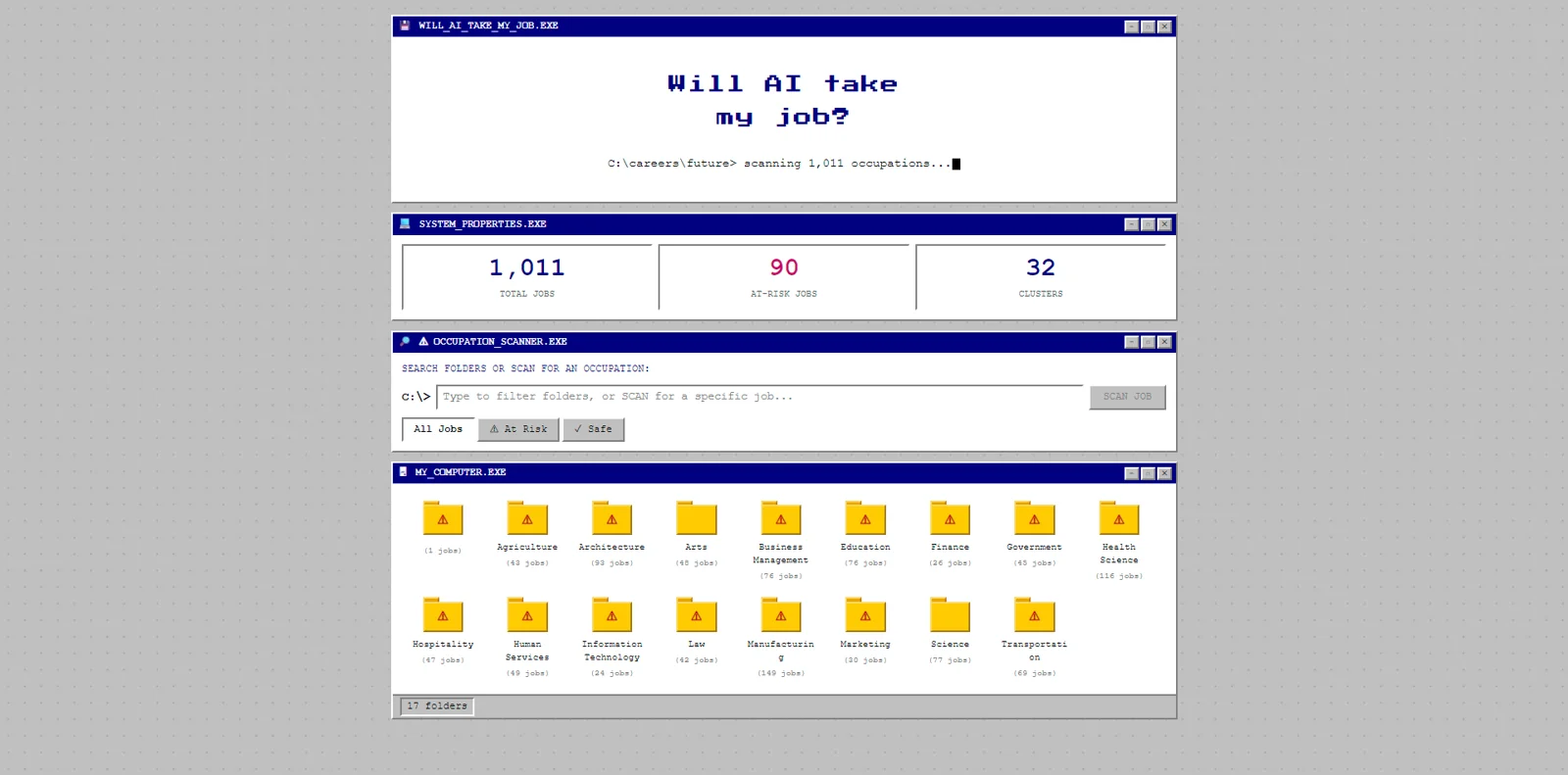
Will AI Take My Job? turns a raw government occupational dataset into something a person can actually use: a Windows 98 file explorer where you browse 32 career clusters like folders, scan any job title, and instantly see whether it is at risk from AI, across 1,011 jobs.
The data on AI displacement existed. So did the anxiety. What didn't exist was a way to sit with it: look up your own job and explore what else is out there without it feeling like a threat. Most tools in this space are panic-inducing infographics or sanitised corporate reassurances. This is neither.
The Windows 98 look was deliberate: the visual language of the past, used to talk about the anxiety of the future. A scary topic that feels like a desktop folder you can click around in. The interface asks a question before you have finished loading the page.
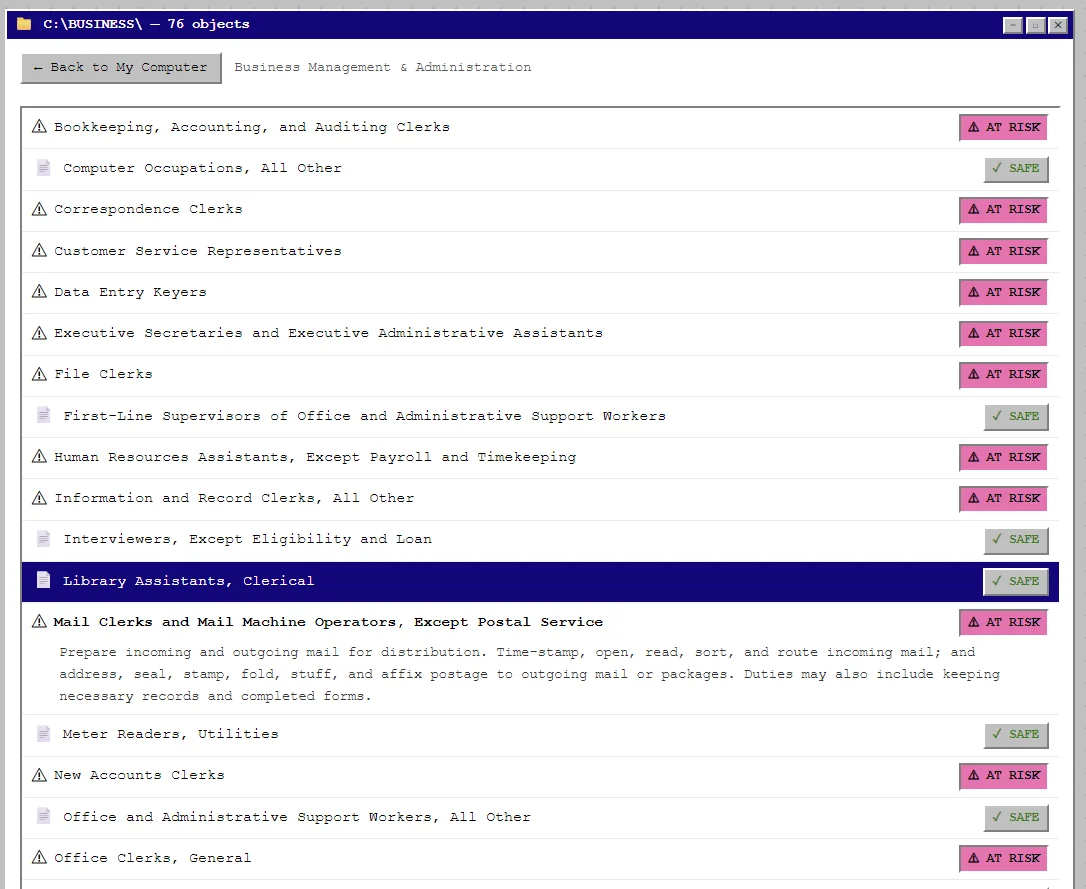
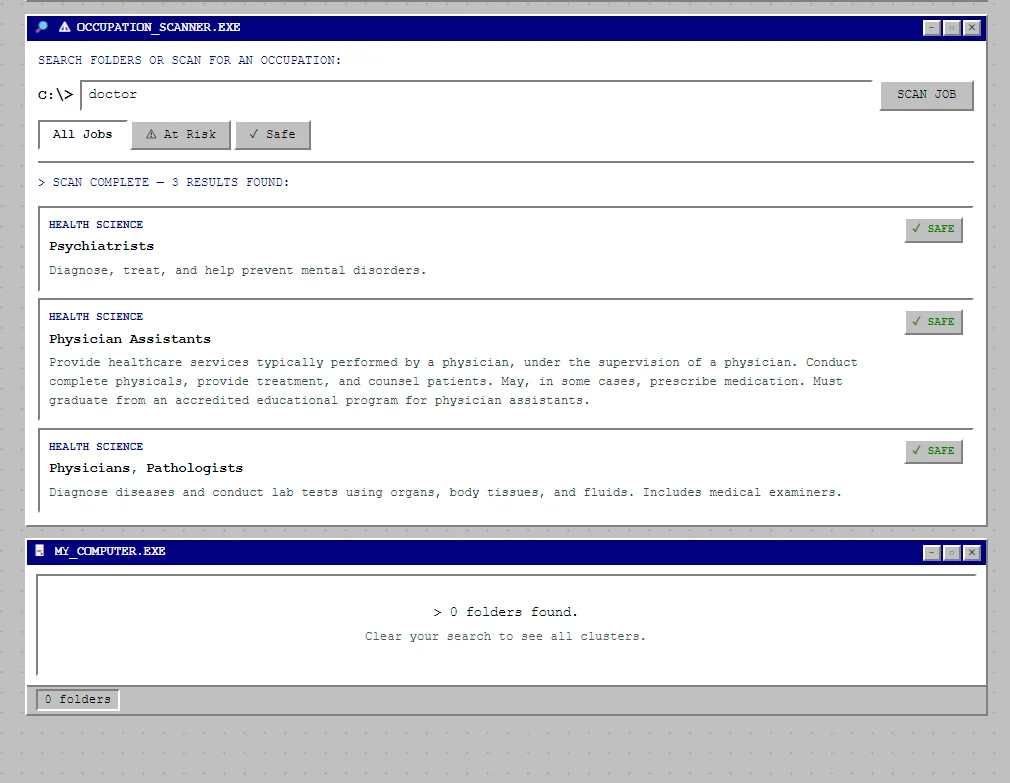
Browse by cluster, search any title (fuzzy matching handles common synonyms, not just exact strings), and filter by all jobs, at-risk only or safe only. Every job shows its official description next to its displacement status; 90 roles are flagged as at risk.
Built independently through vibe coding, without a formal engineering background: React, Vite and Tailwind, Fuse.js for search, Python and openpyxl for the data, deployed live on Vercel. Based on official US occupational classifications (SOC codes).
The shipped version is the foundation for a larger career-guidance tool I was building toward: AI-powered risk explanations, skills-gap assessments, pivot-role suggestions and university recommendations.
What it taught me: that the brief and the build don't need an engineering degree between them, that interface choices are an editorial choice, and that designing for anxious users means making the scary thing feel like a desktop folder you can click around in.